

DOTr Allows Use of E-Driver’s License During Traffic Stops
By Arvin
Posted on Jan 15, 2026
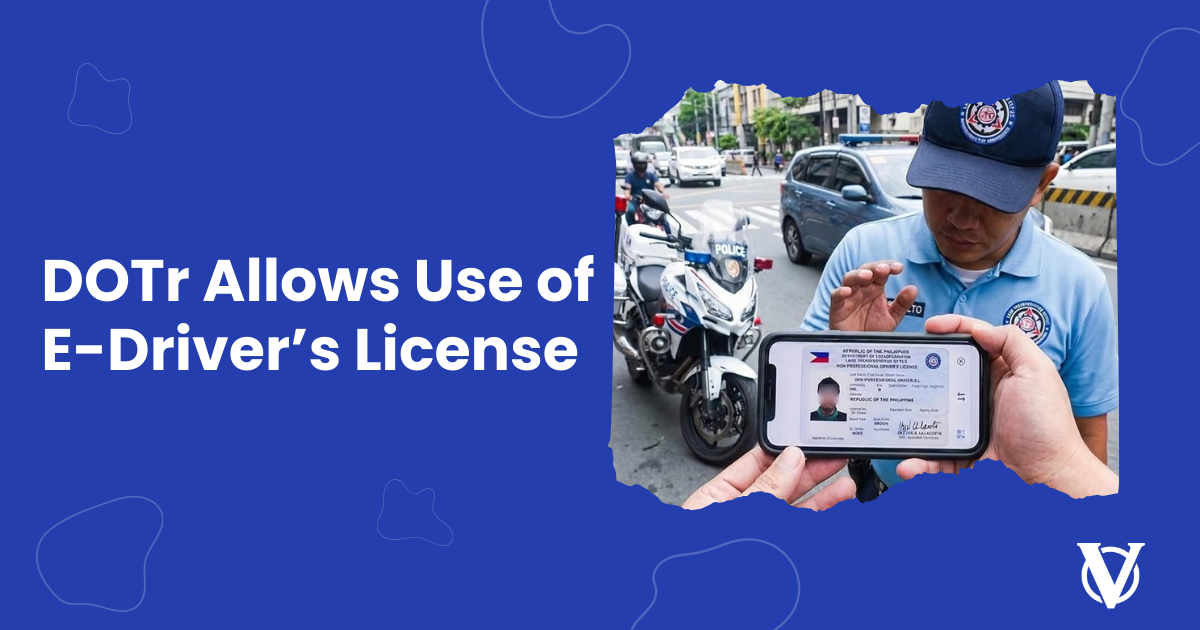
For Filipino motorists, forgetting a physical driver’s license can be stressful—especially during traffic stops or routine inspections. Good news: the Department of Transportation (DOTr) and the Land Transportation Office (LTO) have once again clarified that electronic driver’s licenses (eDLs) are legally valid and accepted nationwide.
This recent reminder reinforces the government’s commitment to digital convenience and the Department of Transportation’s smoother traffic enforcement.
What Is the Electronic Driver’s License?
The electronic driver’s license is a digital version of your driver’s license issued through the Land Transportation Management System (LTMS). It holds the same legal standing as the physical plastic card and can be accessed using your LTMS account via the official portal or authorized government applications. (LTMS Portal)
eDL Is Accepted During Traffic Stops
According to the DOTr and LTO, motorists may present their electronic driver’s license during traffic violations, checkpoints, and routine inspections. LTO enforcers and deputized traffic officers are required to accept the eDL when it is shown properly.
This means drivers no longer need to panic if they accidentally leave their physical license at home—as long as their eDL is accessible.
Important Reminder: Screenshots Are Not Valid
While the eDL is allowed, officials emphasized one crucial rule:
Only the official eDL accessed live through your LTMS account is valid.
Screenshots, saved images, printed copies, or any unofficial digital versions will not be accepted. Live access ensures authenticity and allows traffic enforcers to verify license details in real time.
Why Does This Matter for Motorists?
The renewed advisory aims to:
- Reduce inconvenience for drivers
- Speed up traffic enforcement procedures
- Support the government’s digitalization efforts
- Minimize disputes during roadside inspections
What Drivers Should Do
To avoid issues on the road, motorists are advised to:
- Activate and maintain an LTMS account
- Ensure mobile data access when driving
- Keep login credentials secure
- Continue carrying a physical license when possible as a backup
.png?1768446745683)
Source: LTO
How to Access Your Electronic Driver’s License (eDL)
Step 1: Create or Log In to Your LTMS Account
- Visit the LTMS Portal at the official LTO website. Log in using your registered email and password.
Step 2: Verify Your Driver’s License Record
Once logged in:
- Go to “My Licenses” or “Driver’s License” on your dashboard.
- Your license details should appear automatically if your account is properly linked.
If it doesn’t show, you may need to update your profile or visit an LTO office for record verification.
Step 3: Access Your Electronic Driver’s License
- Click on your Driver’s License details.
- The electronic driver’s license (eDL) will be displayed on your screen, complete with your photo, license number, and validity.
This live display is what traffic enforcers will accept.
Step 4: Present the eDL During Traffic Stops
When flagged by an enforcer:
- Open your LTMS account live (with internet connection).
- Show the eDL directly from the official LTMS portal or authorized government app.
Step 5: Keep Your Account Secure
- Do not share your LTMS login details.
- Always log out after accessing your account on shared devices.
Final Thoughts
The DOTr and LTO’s clarification on the validity of electronic driver’s licenses is a welcome step toward modern, hassle-free transportation services. While traffic rules and penalties remain unchanged, the acceptance of eDLs provides drivers with greater flexibility and peace of mind.
As the country continues its shift toward digital governance, motorists can expect more convenient and efficient services—starting right at the roadside